Guests choose their portrait style.
New in Portino!
Until now, one style applied to the whole event. From now on you can give your guests the choice: after entering their name and message, the guest decides whether they want a caricature, a watercolour or a charcoal sketch - or any other three styles you pick.
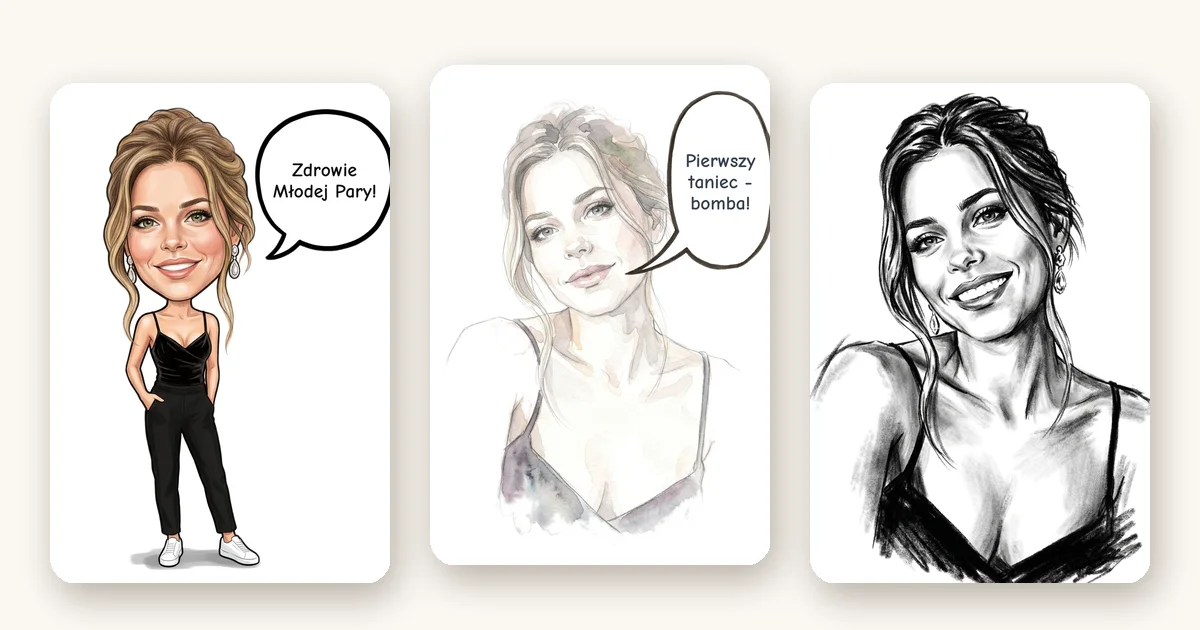
What the guest sees
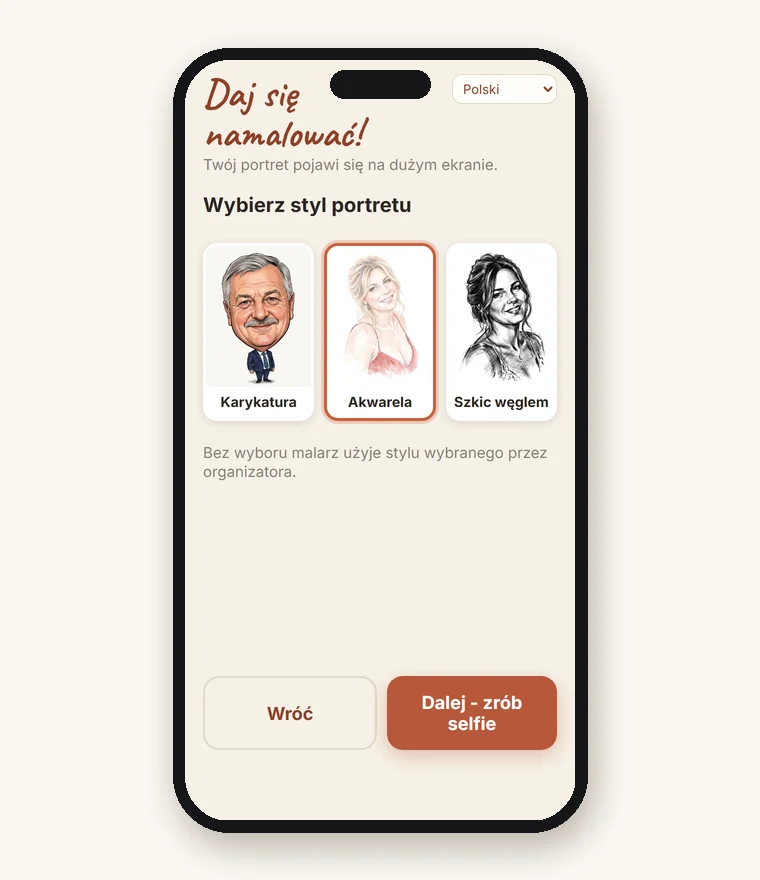
The guest scans the QR code, enters their name and the speech bubble text, and then sees a new screen: cards previewing the styles you've chosen. One tap, “Next - take a selfie”, and the painter gets to work.
Style names are shown in the guest's language - the guest page works in 19 languages. If the guest doesn't change anything, they get the default style you've set.
You decide which styles guests get
In the Portino program, in the “Picture style” section, tick “Guest chooses the style on their phone”. Then click the cards of the styles you want to show - from one to three. The first style you click is the default. It's the same simple mechanism as the painter rotation.
- two or three styles - guests see the choice screen,
- one style - there's no choice screen, the guest goes straight to the selfie, just like before,
- any combination is possible: caricature, watercolour, charcoal, oil, costumes and even your own Portrait extra.
One party, different portraits
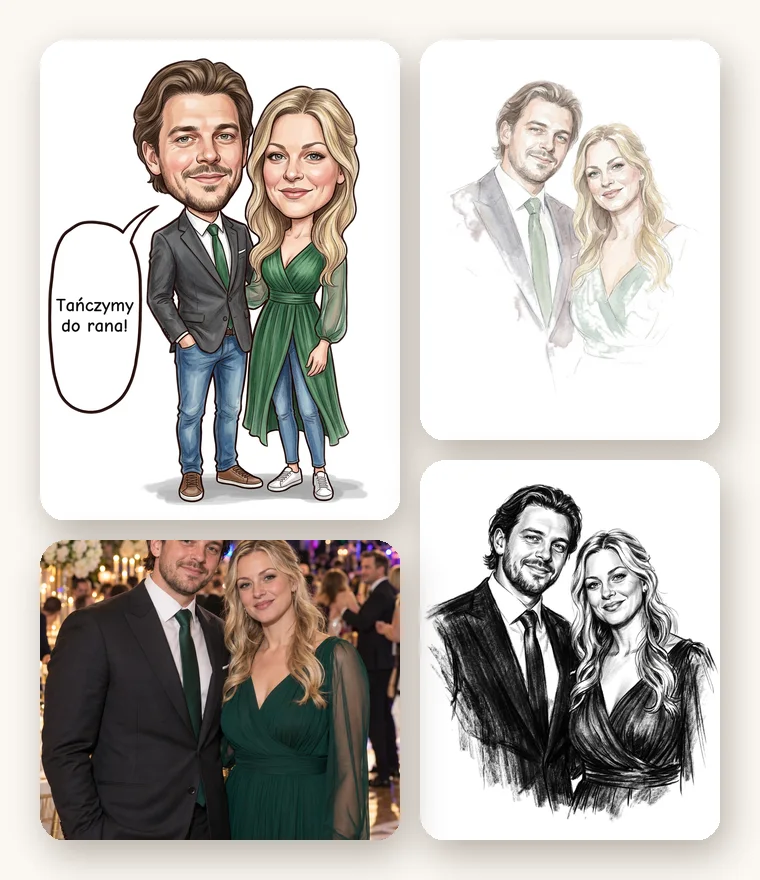
Style choice works especially well at weddings and corporate events, where different tastes meet. Younger guests happily go for a caricature, older ones for an elegant watercolour or a classic charcoal sketch. The guest wall becomes more varied, and everyone leaves with a portrait they really like.
The cost doesn't change: every portrait is one credit, whatever the style.
How to get started
Style choice works in the latest version of Portino. When the program shows a notice about a new version, click it and install the update - your settings will stay. The Mac version will follow within a few days.
Got an idea which styles work best at your parties? Write to us at portinopolska@gmail.com or in the chat on our website.